
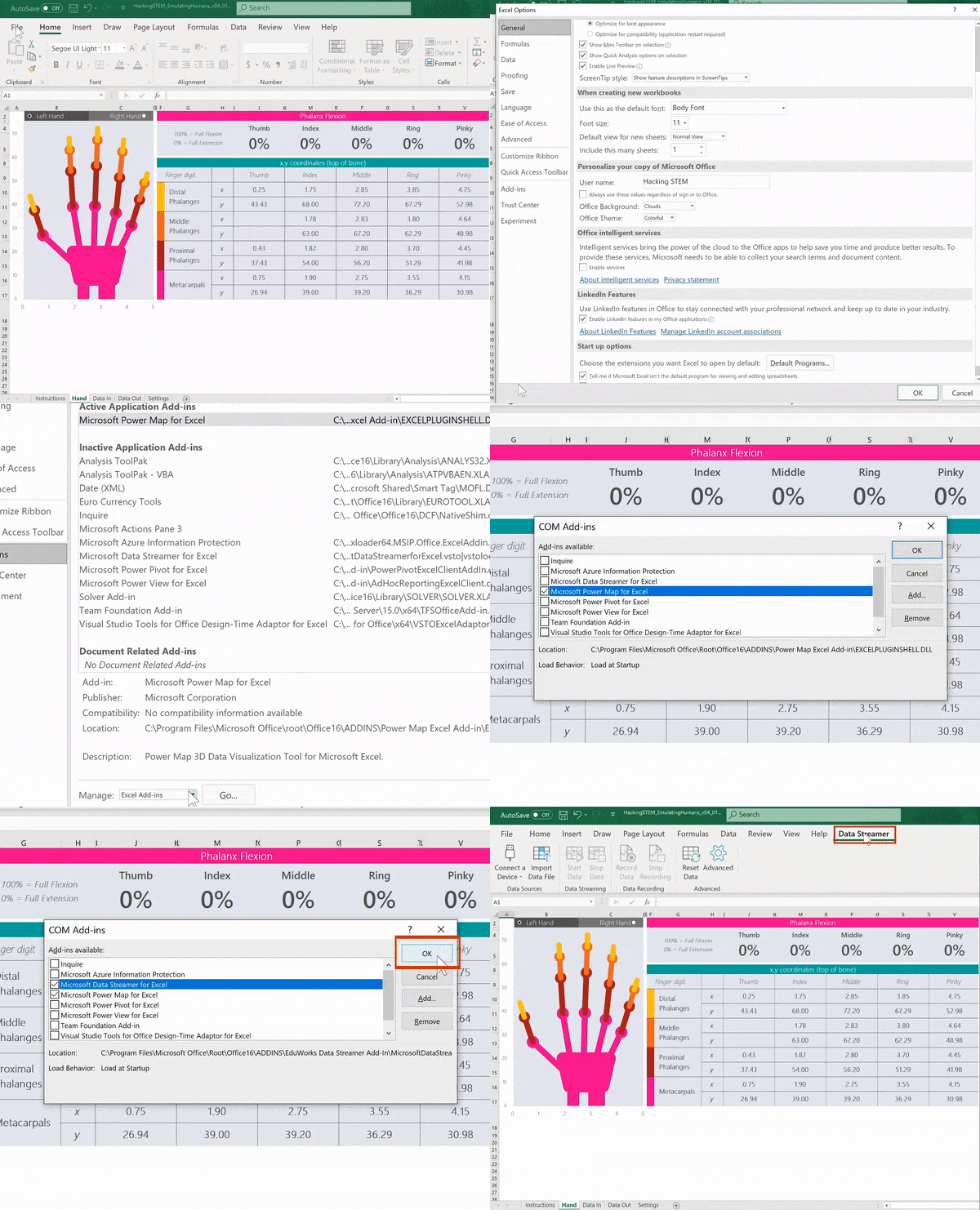
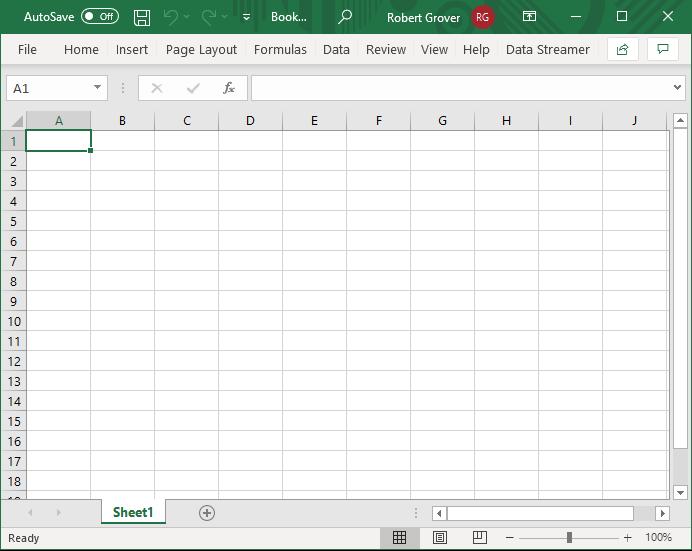
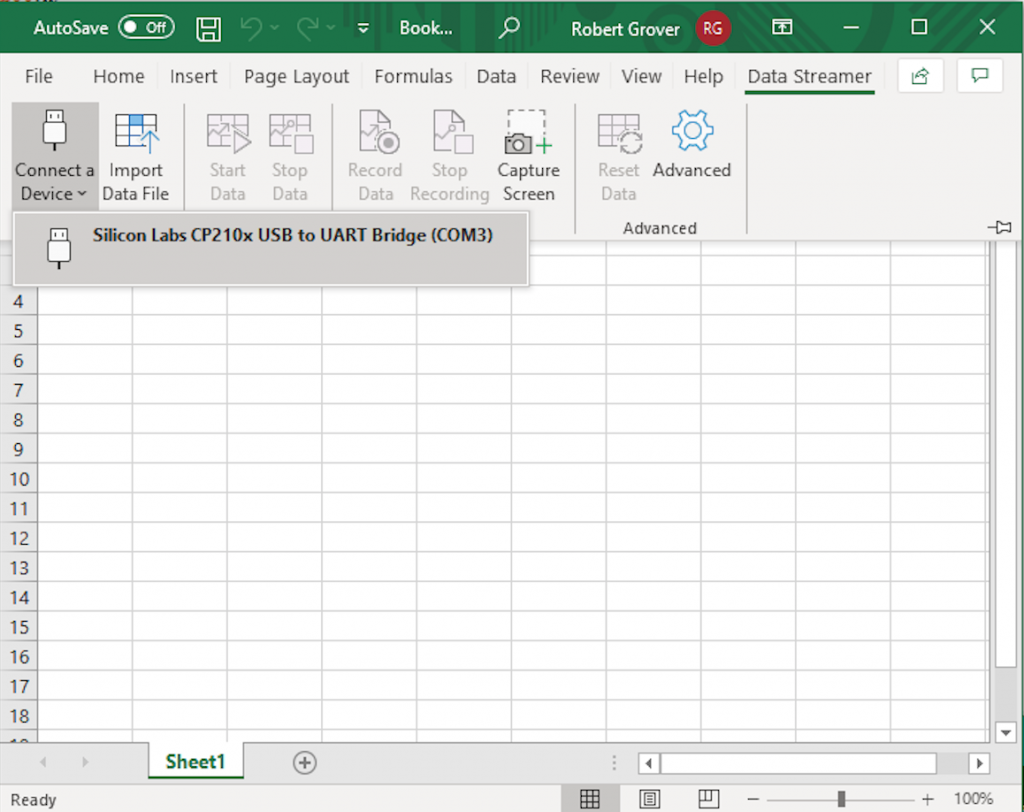
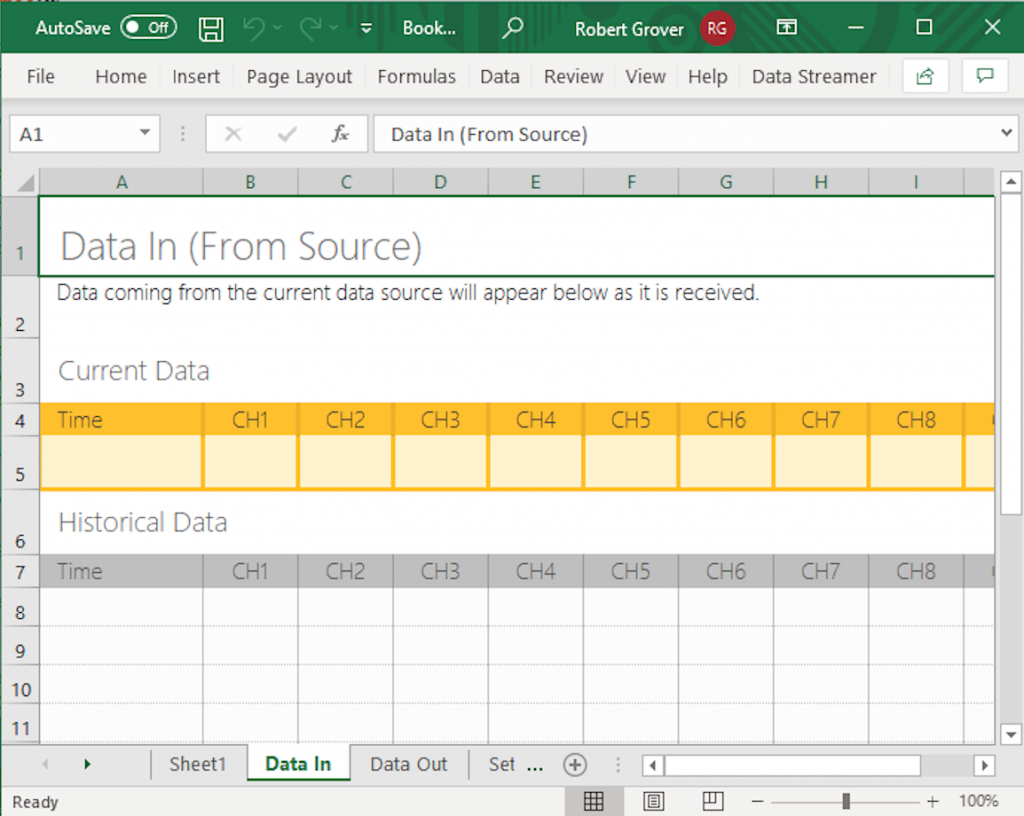
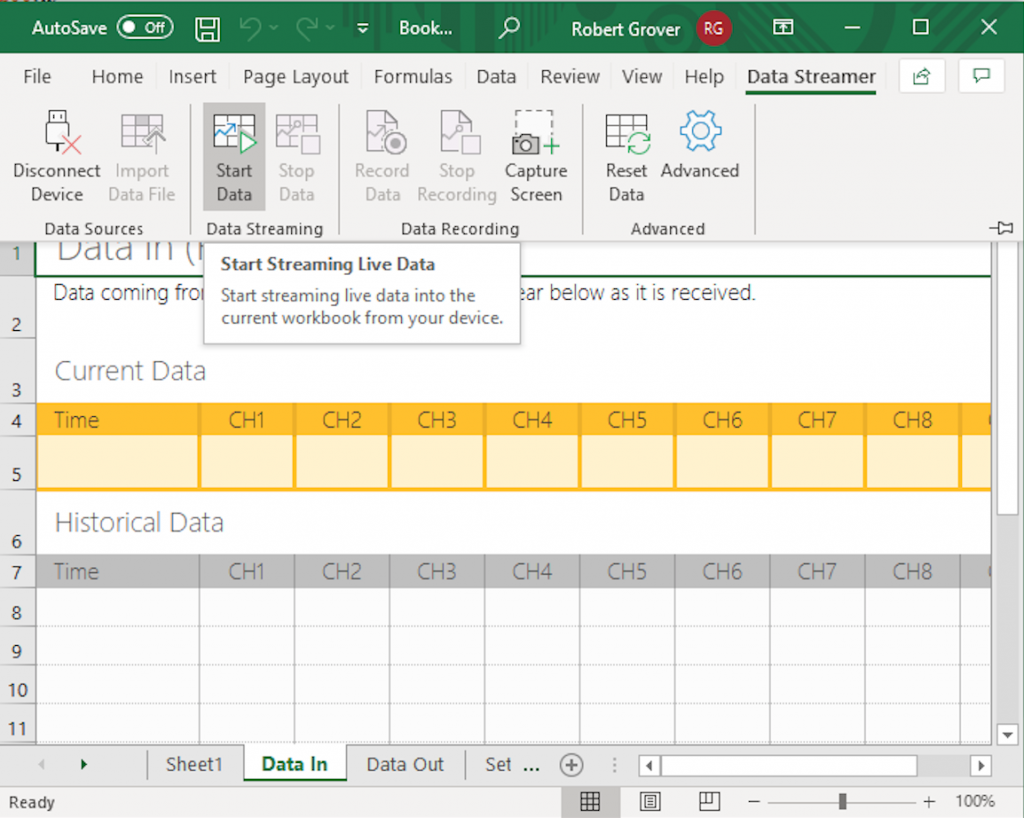
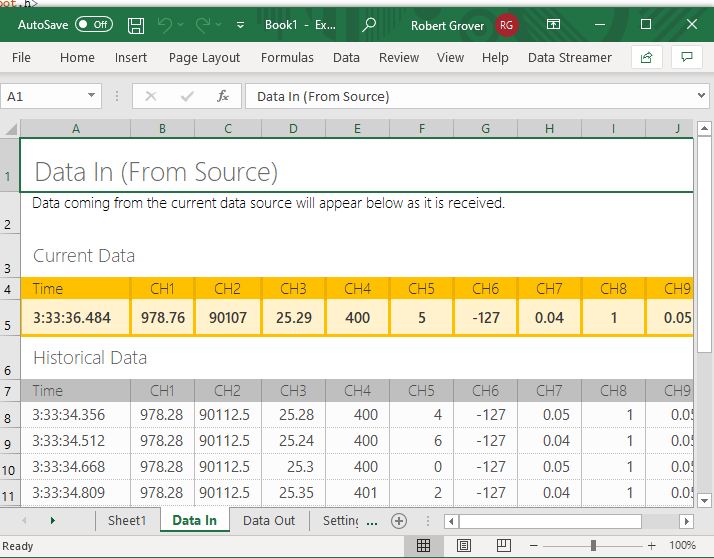
 Microsoft has an awesome team, the Hacking STEM group, working on engaging STEM experiences for students using tools like Excel. databot™ is simple to connect to Microsoft Excel using the Hacking STEM Data Streamer Add-In. The following steps will enable you to quickly and easily connect Excel to databot™.
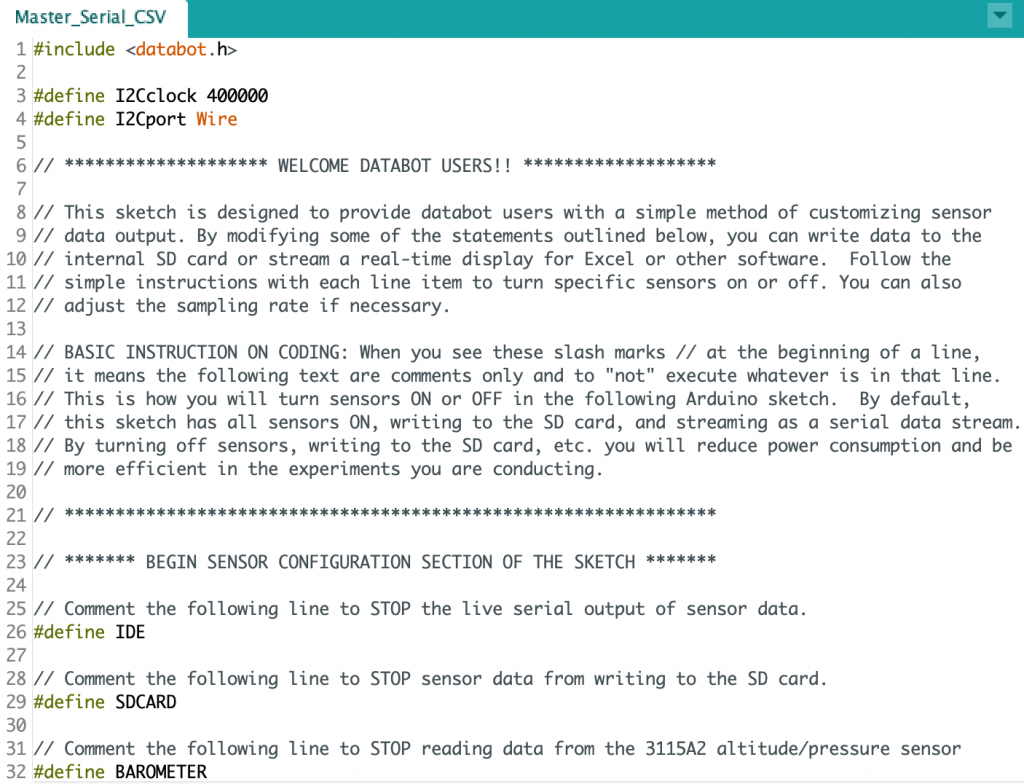
  Install the Arduino IDE and databot™ Drivers: databot™ has the ability to communicate a stream of live serial data that can be read by many programs including Microsoft Excel.

Congratulations!
You have successfully completed your exploration of how to connect Microsoft Excel and databot™ using Data Streamer. Now that you are empowered, come up with some exciting ways to use databot™ and Excel to study the world around you and explore data. Have fun!