
 If you are interested in learning how to take control of databot™, update its software, change the native software configuration from Phyphox or Google Science Journal, or any other number of hacks you have in mind, here’s how you get started!
 As you may have noticed, databot™ is packing around a lot of technology – sensors, lights, power – the works. One specialized piece of technology built into databot’s Power Board is a special chip, the CP2104 from Silicon Labs, that facilitates communications between devices. This “facilitator” requires some software, called a driver, that enables databot™ to talk to a variety of computers running different operating systems. Your next step? Download and run the correct installer for your computer and operating system. Simple and fast, get to it! databot™ is waiting!
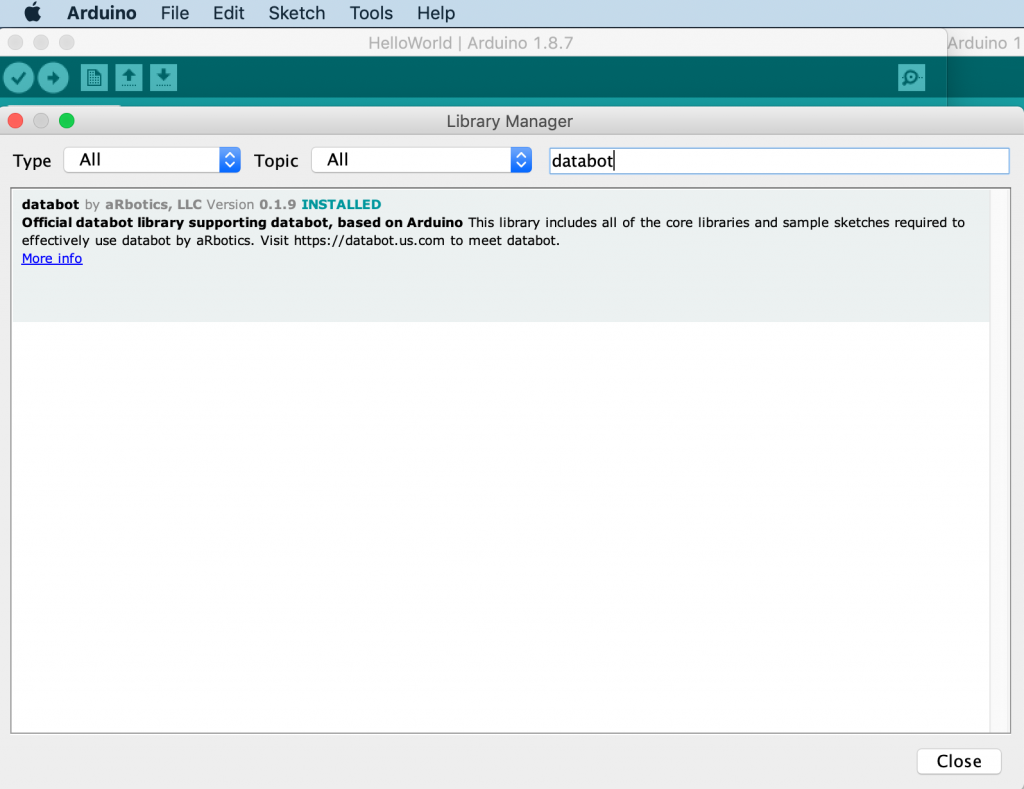
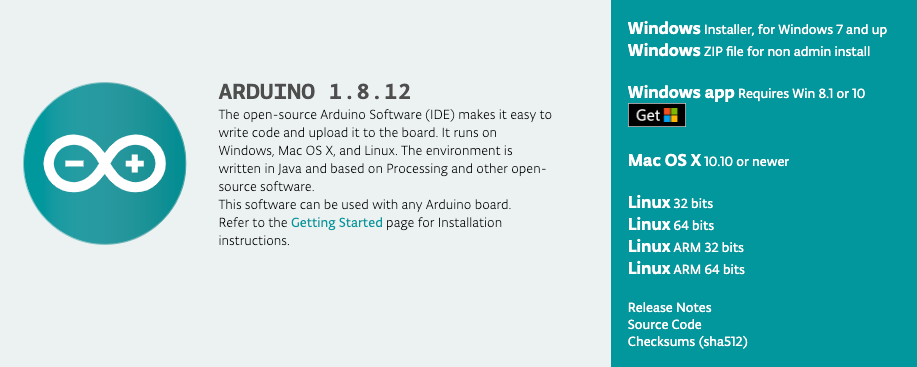 databot™ is based on Arduino. The Arduino story is an exciting one, if you’re not familiar with it, you can get a quick run down by going through our online learning module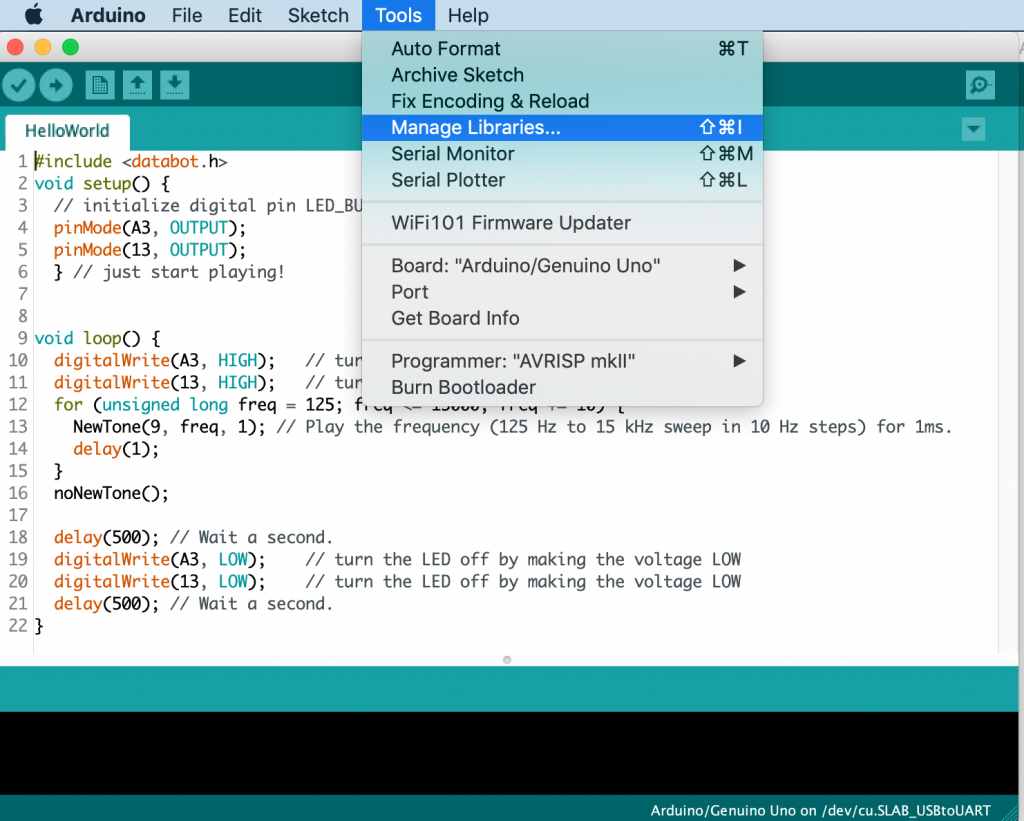
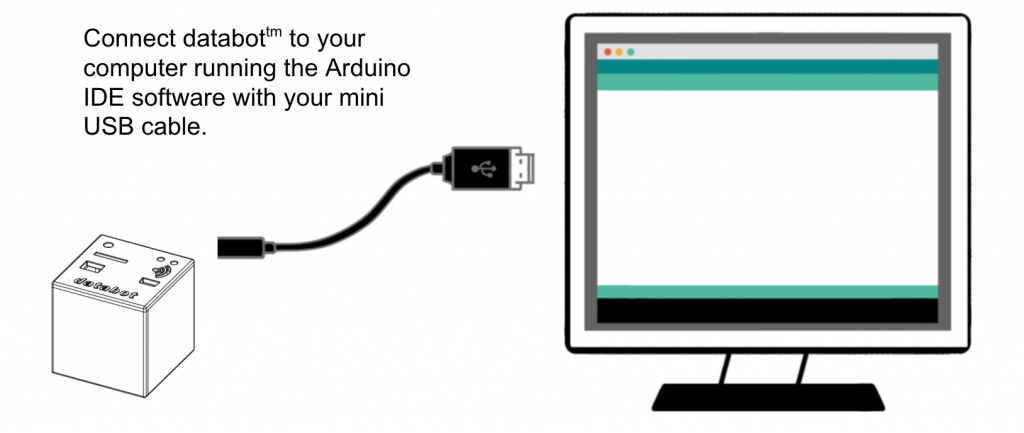
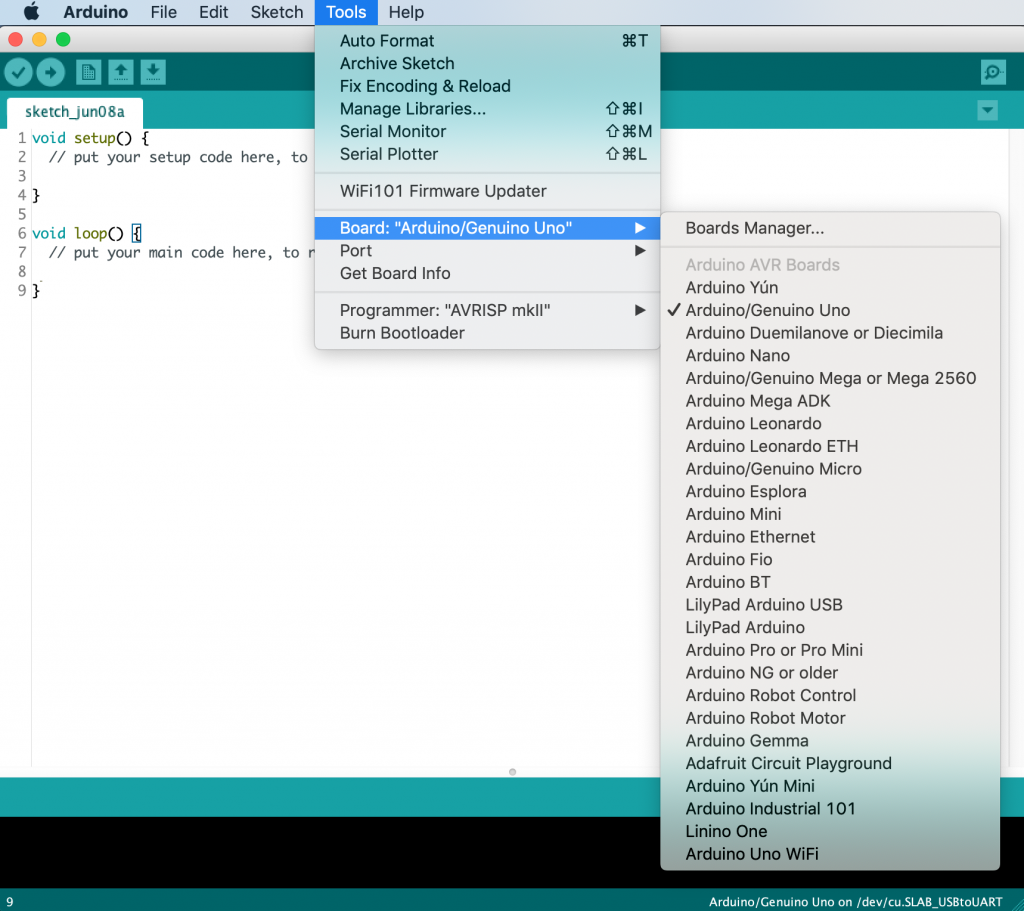
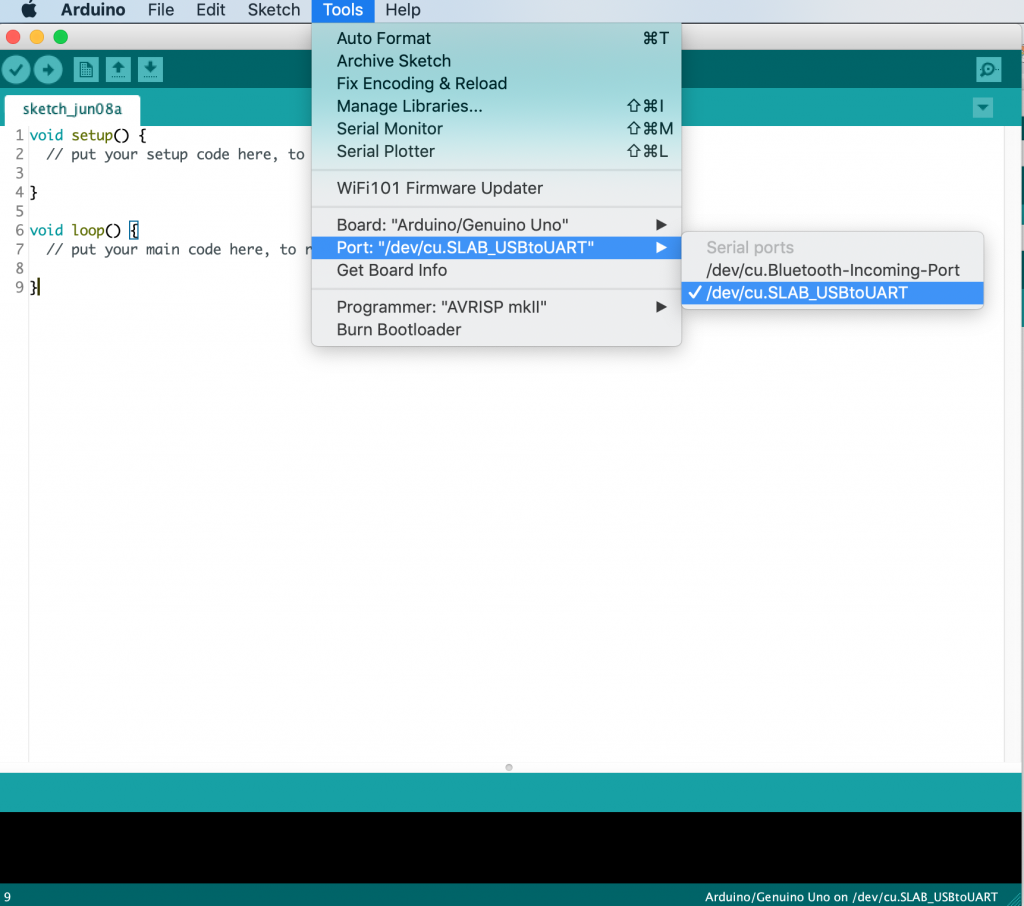
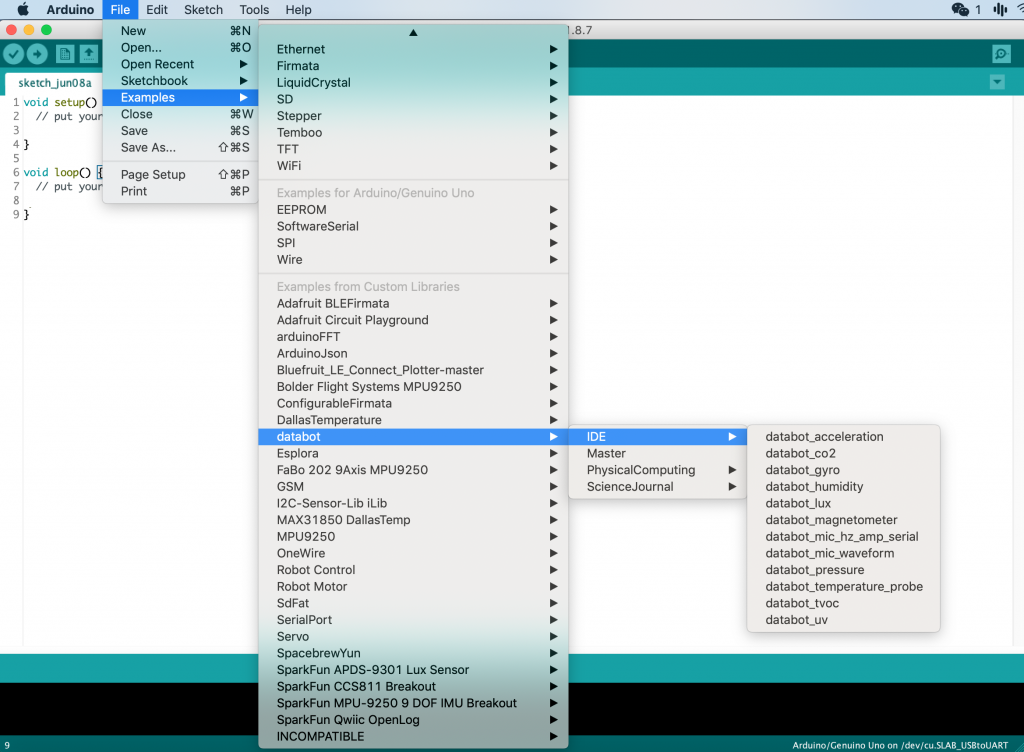
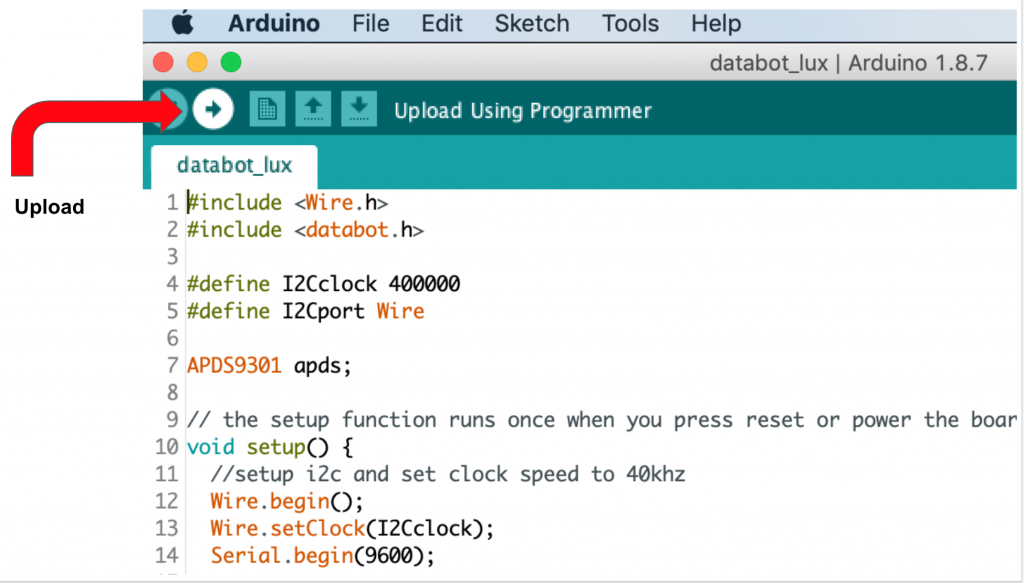
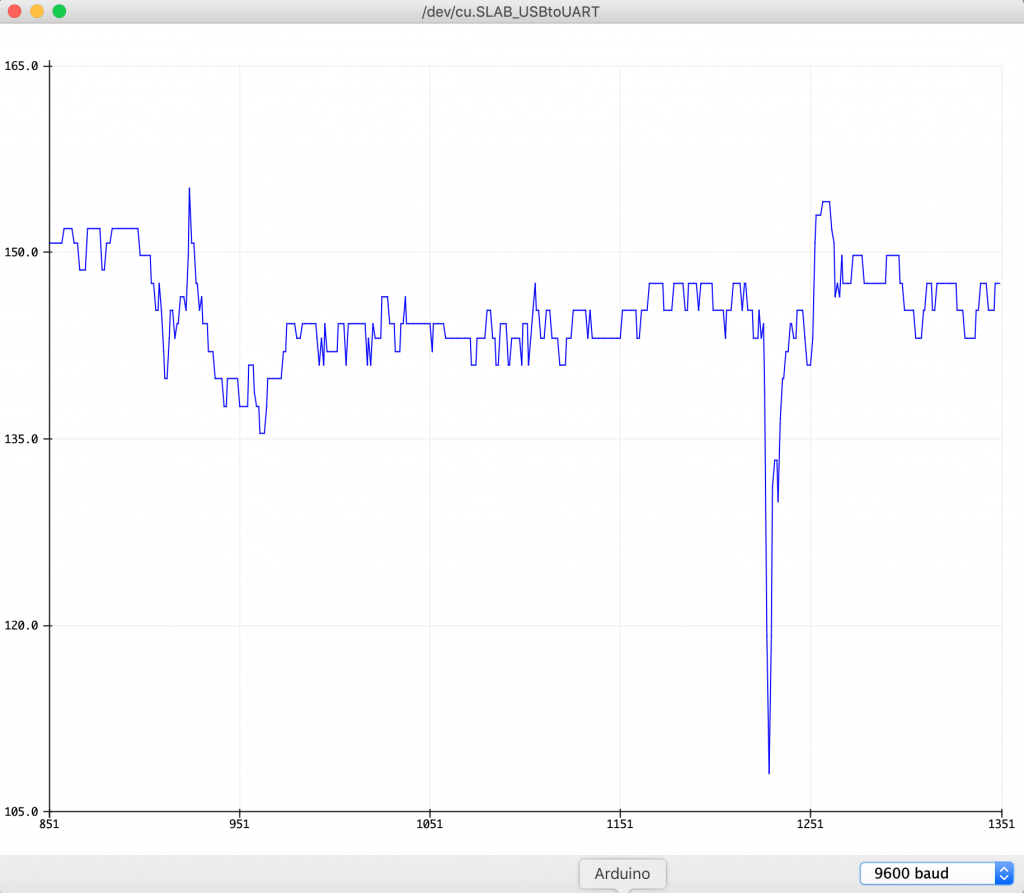
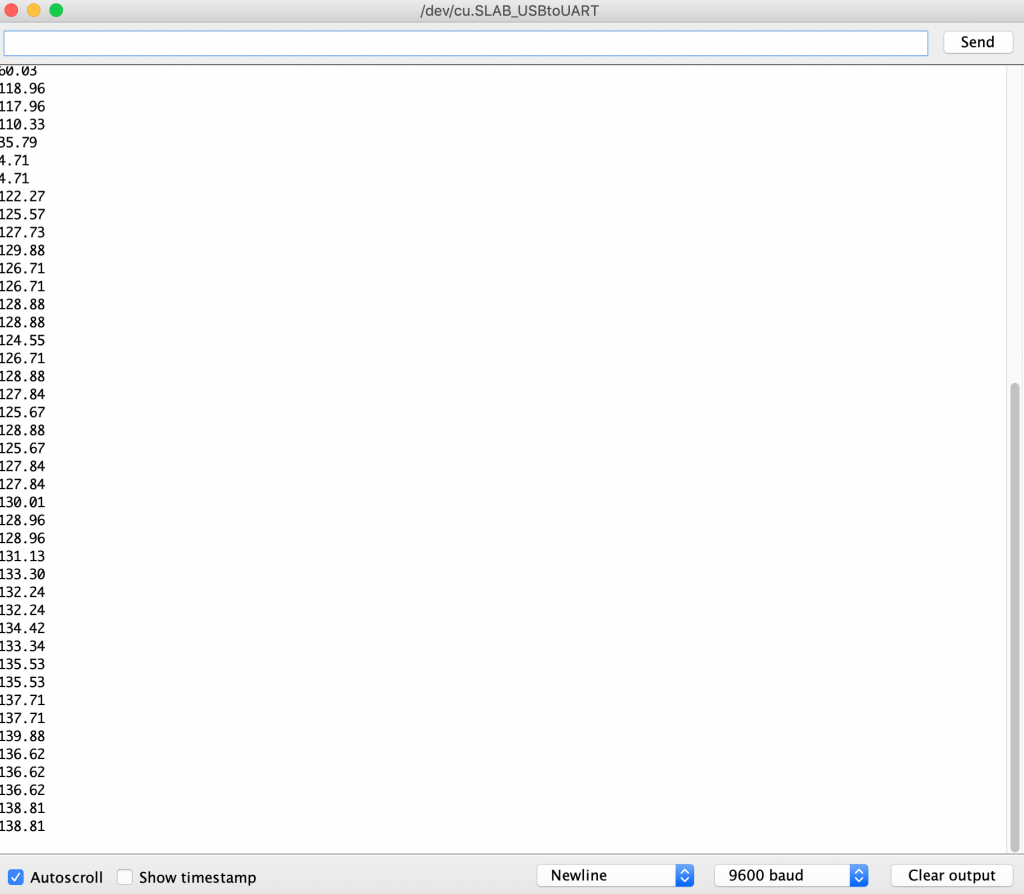
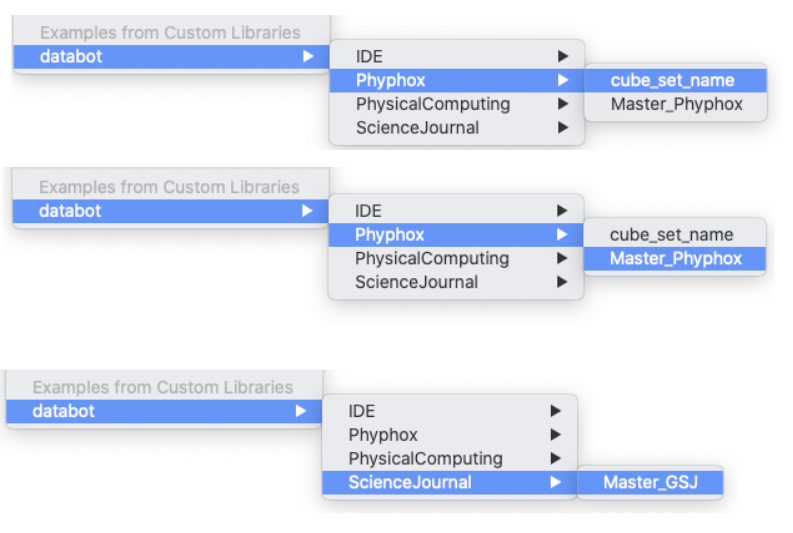
Congratulations!
You have successfully completed your software installation and are now ready to begin explorations with databot™ and the Arduino software! Explore the other example sketches and get comfortable with loading and transferring sketches to your databot™. Once you are comfortable, jump into the activities and start exploring. Have fun!