One Connected Ecosystem
No proprietary software that locks educators into a single workflow, Databot embraces an ecosystem of trusted educational tools. Using the same live sensor data throughout their learning journey, students move naturally between these various tools.
Vizeey (IOS/Android/Chromebooks)
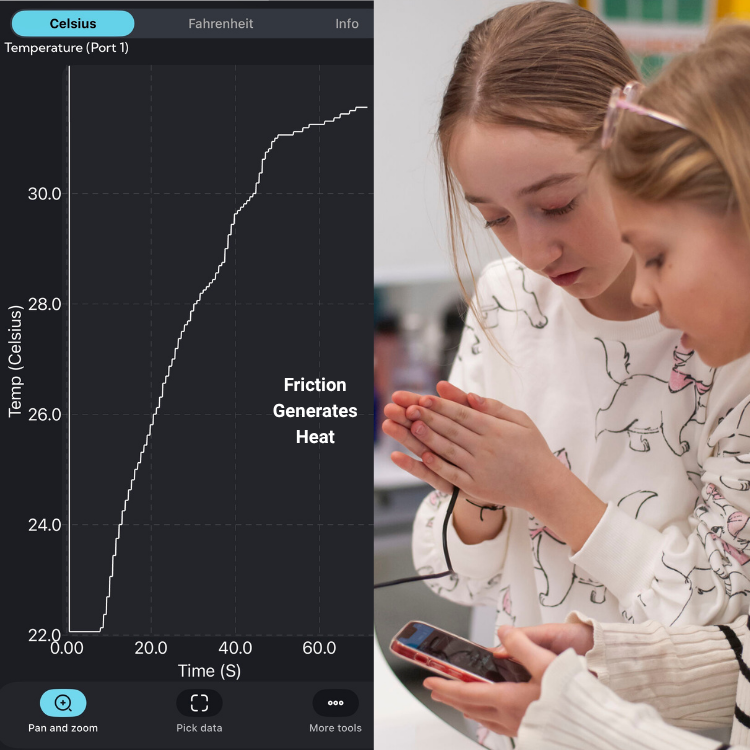
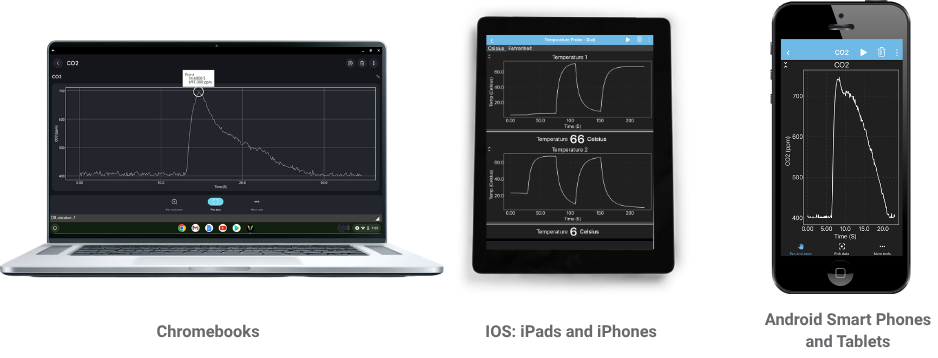 Vizeey is an easy-to-use tool for exploring live sensor data with Databot. Simply connect your Databot over Bluetooth and start collecting, graphing, and investigating real-world measurements in seconds. Databot lessons include QR codes that open pre-configured Vizeey experiments, so students can jump straight into the activity.
For educators, Vizeey removes the setup and technical friction from hands-on data collection. Experiments are ready to go, giving you more time to guide inquiry, encourage discussion, and focus on creating an engaging, effective learning experience.
CODAP
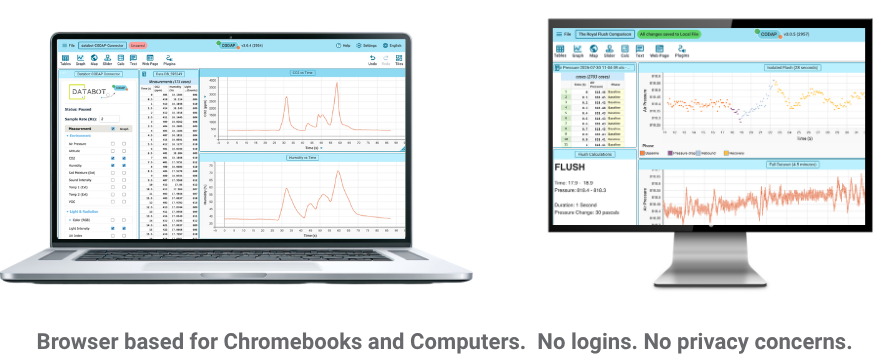 CODAP is a powerful, browser-based tool for exploring, visualizing, and making sense of real-world data with Databot. Simply connect your Databot, collect live sensor data, and bring it into CODAP to create graphs, compare variables, identify patterns, and investigate relationships.
For educators, CODAP gives students an intuitive way to move beyond simply collecting measurements and start thinking like data scientists. Databot activities help structure the investigation, so you can focus on guiding discussion, asking great questions, and helping students discover the story hidden inside their data.
MicroBlocks
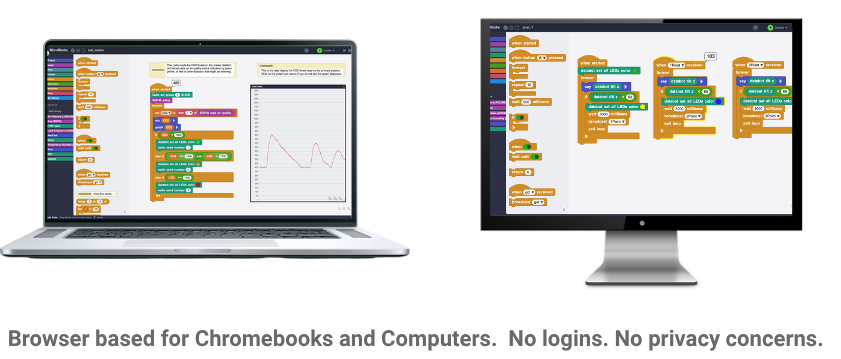 MicroBlocks is a fun, approachable coding environment that lets students program Databot and see their code come to life in the real world. Using simple block-based programming, students can read live sensor data, create interactive projects, control outputs, and build experiments that connect coding with science, engineering, and physical computing.
For educators, MicroBlocks makes it easy to introduce programming without a steep learning curve. Students can start experimenting quickly, while Databot activities provide a clear path for combining coding, data, and hands-on STEM exploration in meaningful, engaging ways.
Other Options
There are options for the Arduino IDE, MicroPython, Excel, and also copy and paste into Desmos for educators who use these tools


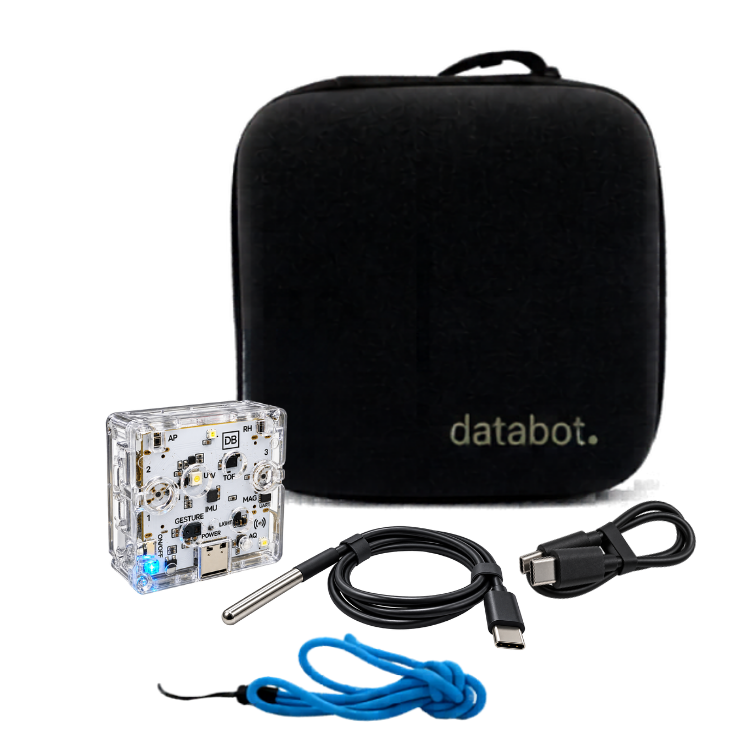

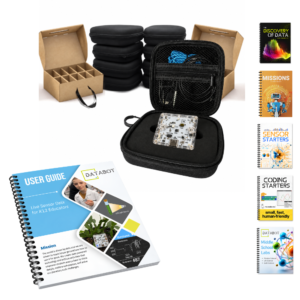
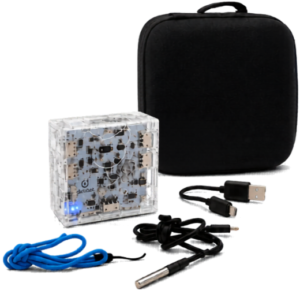 Everything you need to immediately begin conducting experiments, right out of the box, is included.