Features
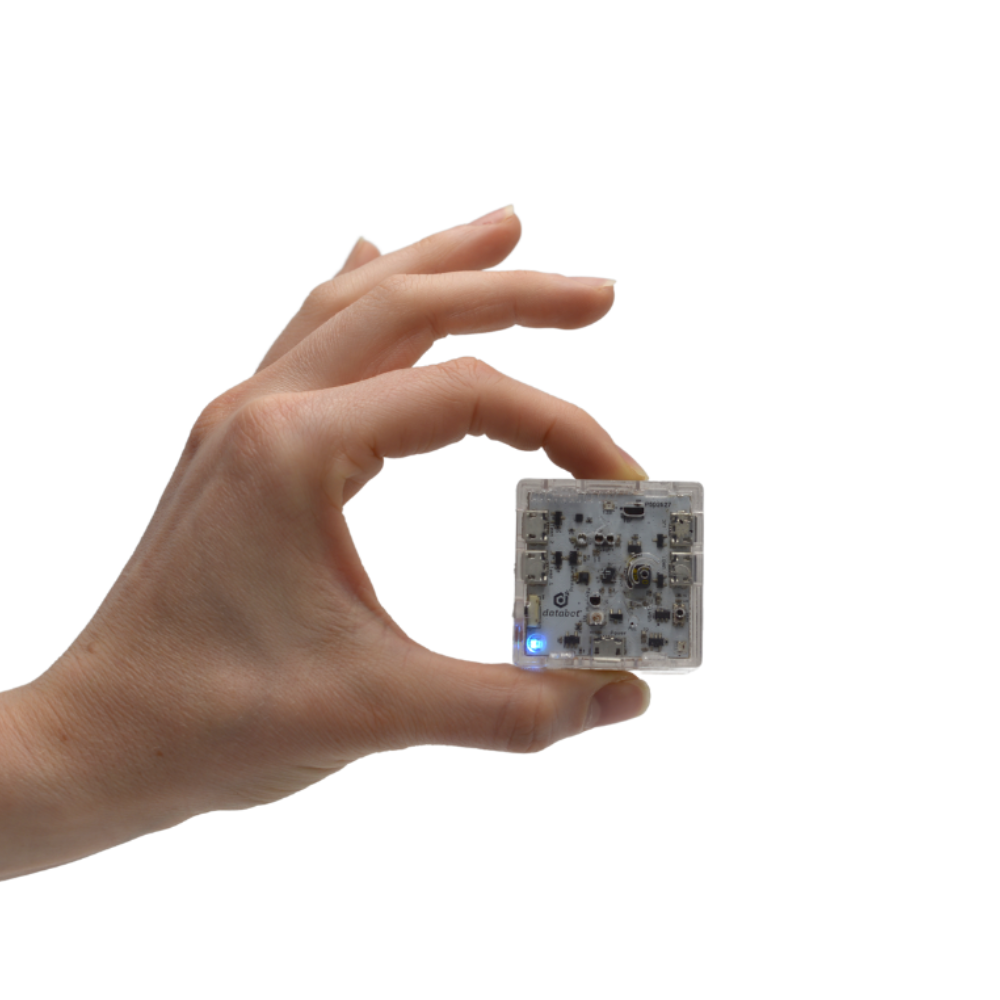
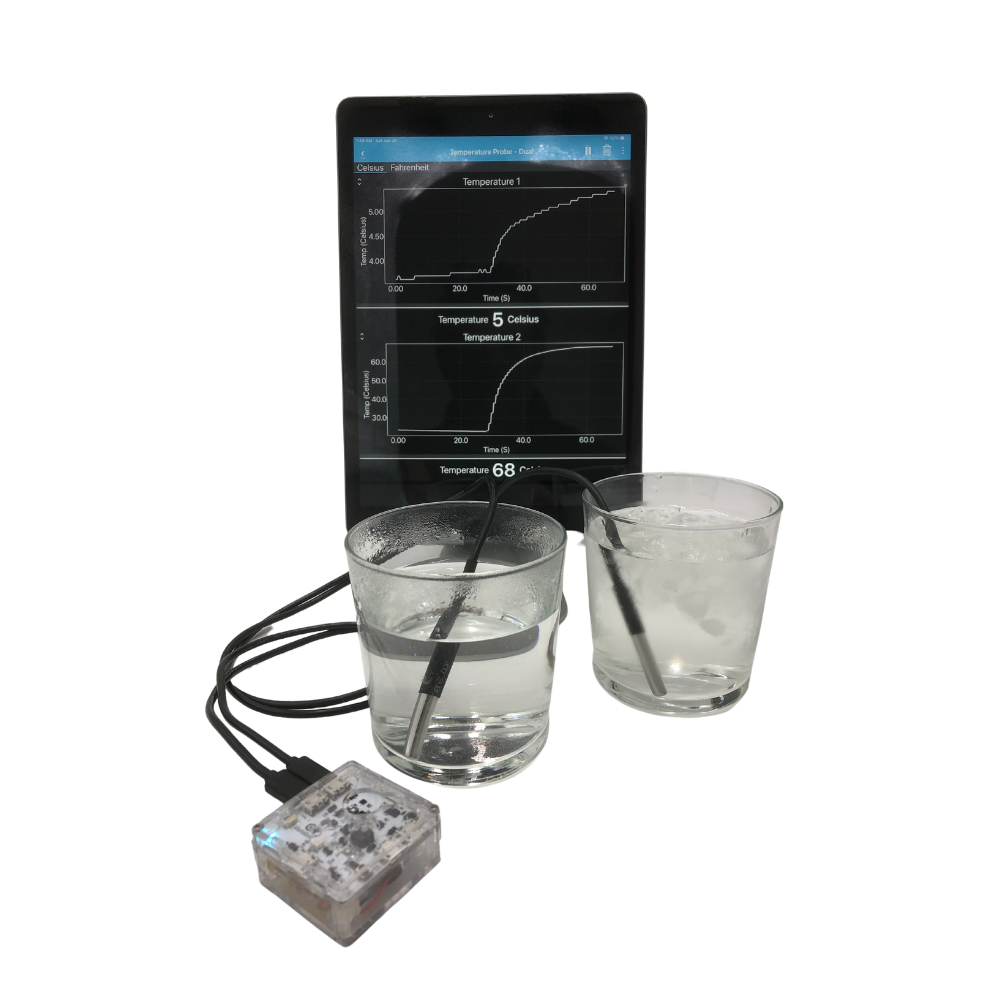
Databot is really shaking things up in science education! This tiny device is unstoppable for exploring everything from motion and magnetism to UV light, CO2 levels, and humidity. Never has exploring the scientific data that surrounds us been more affordable, approachable, or fun!
The 16 included sensors offer a variety of data collection capabilities for endless explorations in earth science, physics, life science, chemistry, and the environment! Completely programmable and enabled for artificial intelligence and machine learning projects, databot also has programmable RGB LEDs and a tone generator, making it a rich resource for physical computing and developing coding skills. Paired with any of our software options it’s the easiest way to begin visualizing and exploring real data!
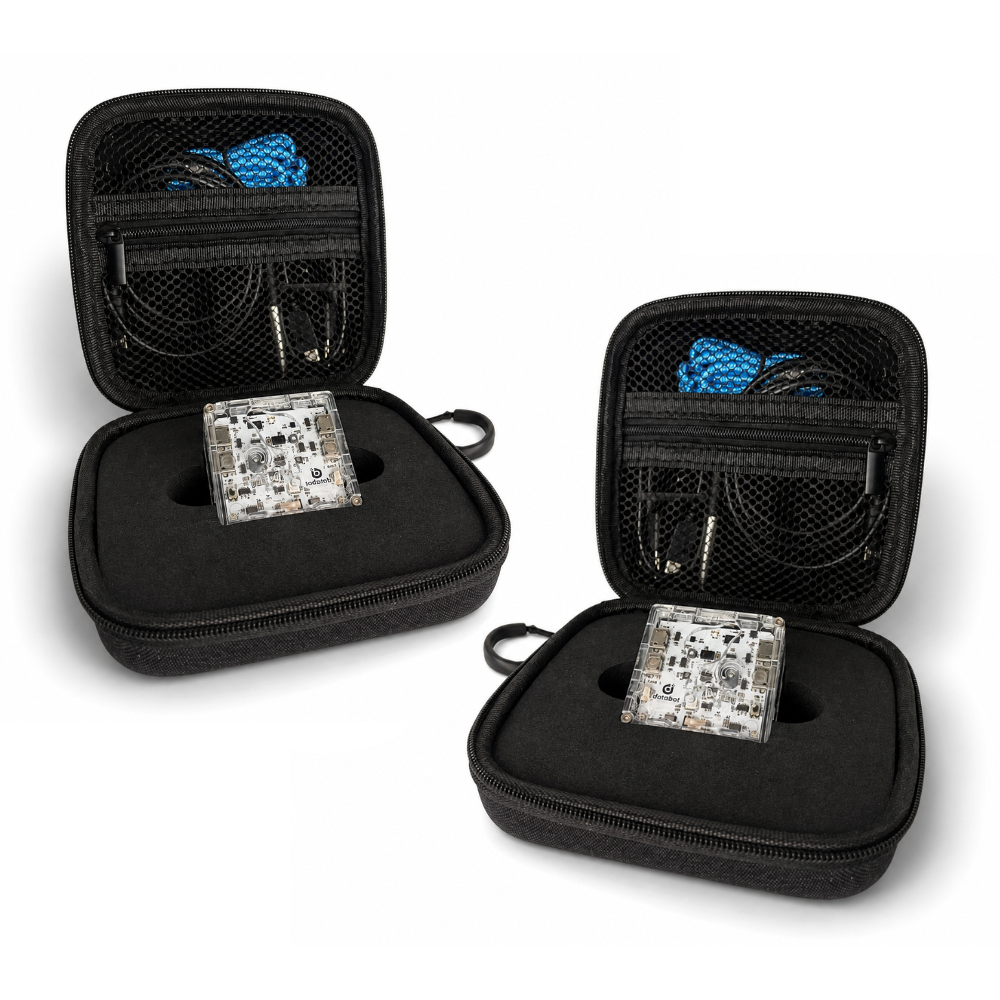
databot kits include everything you need to get started immediately including software, a charging cable for the rechargeable battery, an external temperature probe, lanyard, and protective storage case.
16 Incredible Sensors in One Device!
This tiny package packs a wallop with more power and capabilities than any other multi-sensor device on the planet. Ideal for multi-disciplinary investigations, students need only one databot, a smart device, and insatiable curiosity to explore the invisible world of scientific data that surrounds us! Unlimited experiments with these tools at your fingertips:
- Acceleration
- Air Pressure
- Altitude
- eCO2
- Color
- Gesture
- Gyroscope
- Humidity
- Light
- Magnetometer (magnetic fields)
- Proximity – Ranging to 3 m
- Sound Intensity
- Temperature (2 external temp probes are supported)
- UV – A
- UV – Index
What’s Included in the Kit!
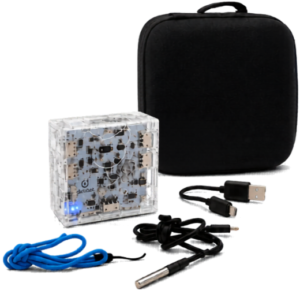 Everything you need to immediately begin conducting experiments, right out of the box, is included.
- Databot (it’s awesome)
- Waterproof Temperature Probe
- Micro USB Charging and Programming Cable
- Lanyard
- Soft Case for Storage
With a built-in rechargeable battery, multiple free software options, and two awesome packaging and storage options there is nothing more to buy or replenish, ever.
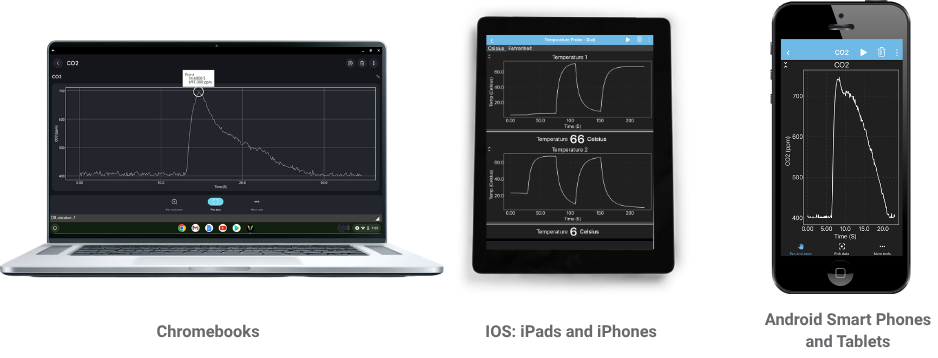 Vizeey is an easy-to-use tool for exploring live sensor data with Databot. Simply connect your Databot over Bluetooth and start collecting, graphing, and investigating real-world measurements in seconds. Databot lessons include QR codes that open pre-configured Vizeey experiments, so students can jump straight into the activity.
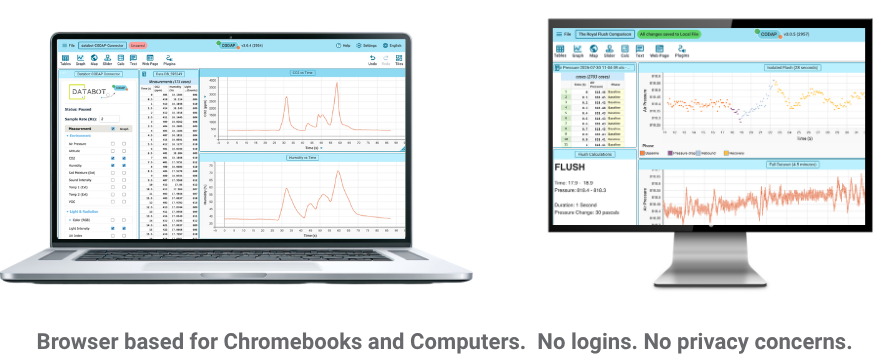 CODAP is a powerful, browser-based tool for exploring, visualizing, and making sense of real-world data with Databot. Simply connect your Databot, collect live sensor data, and bring it into CODAP to create graphs, compare variables, identify patterns, and investigate relationships.
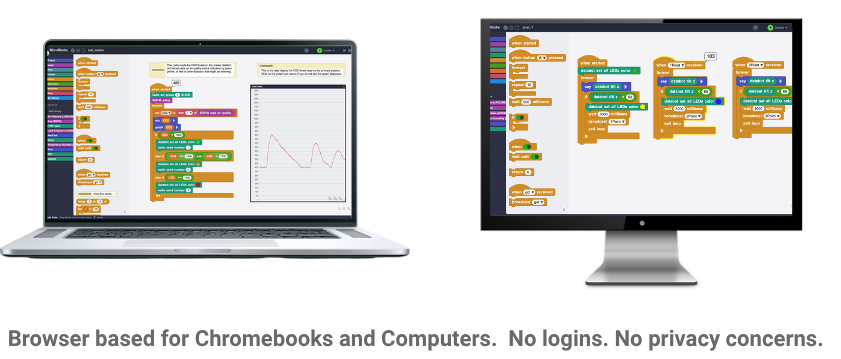 MicroBlocks is a fun, approachable coding environment that lets students program Databot and see their code come to life in the real world. Using simple block-based programming, students can read live sensor data, create interactive projects, control outputs, and build experiments that connect coding with science, engineering, and physical computing.