Check out our 30 second teaser video highlighting the incredible new databot™ 2.0. This tiny but mighty device is loaded with power and possibilities for STEM education professionals, hobbyists, tinkerers, robot lovers – everyone!
Science educators, afterschool program providers, STEM and CTE educators will all love the simplicity of databot™ and how fast and easy it is to start working with live data! This 60 second setup video shows how to be up and running in no time!
This video provides a quick overview of databot, a multi-sensor device that combines various functionalities for educational purposes. You will be introduced to its lightweight design, ease of use, and the importance of making it accessible for students and educators alike. The goal is to encourage kids to interact with data and become data literate through hands-on experiences. The video also highlights the diverse range of users, from elementary teachers to home learners.
This video provides a comprehensive overview of the Databot kit contents including essential accessories like the lanyard and temperature probe. Also discussed, important charging practices and battery care tips to ensure optimal performance, and replacement parts service and the durability of the databot for various experiments. Please make sure to follow the battery storage recommendations for longevity!
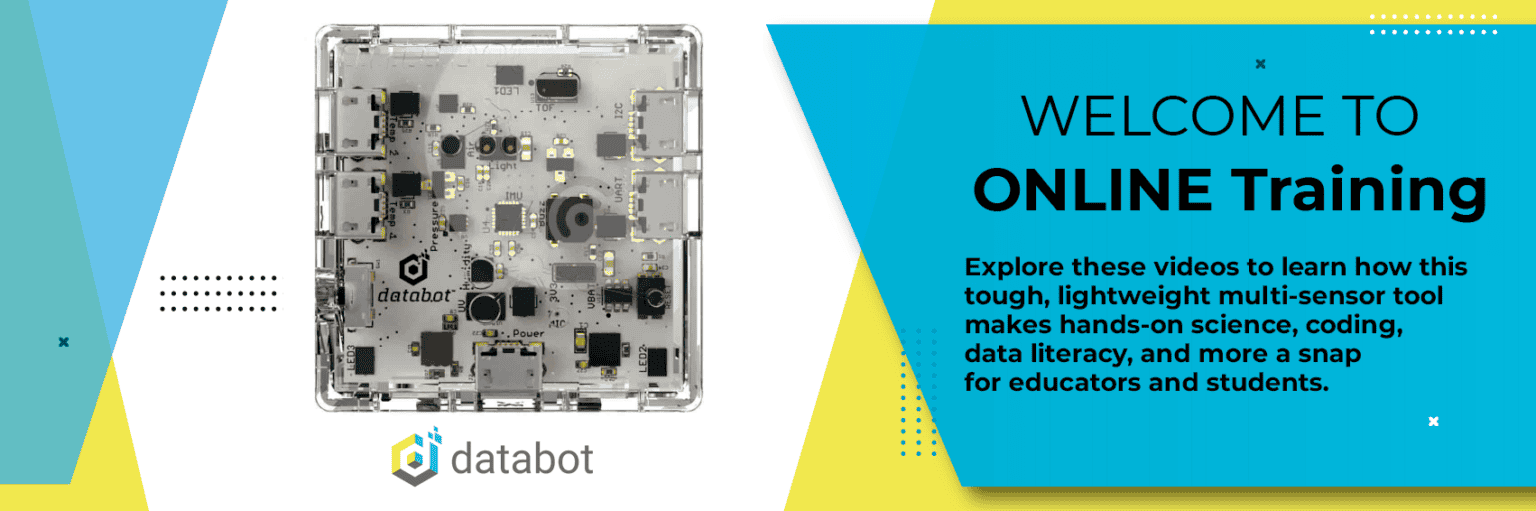
This video provides a quick tour of the Databot hardware, highlighting its various sensors and ports. You are introduced to the power switch and learn the functions of the accelerometer, gyroscope, and other sensors. Additionally, it touches on the coding capabilities and the use of RGB LEDs. Please take a moment to familiarize yourself with the hardware as it will be essential to your success using databot!
This video provides a quick overview of the Vizeey application, which is designed for data collection and analysis. You will learn about its compatibility with various devices, including iOS, Android, and Chromebooks, and highlight its key features such as data export and screenshot sharing. This video also covers how to set up timed runs and set up remote access for classroom use. Please make sure to familiarize yourself with the app and its functionalities to improve your classroom efforts.
This video provides a quick overview of the free lesson resources available on the databot website. We highlight the sensor starters, which are designed to be simple and engaging, and explain how they can help educators and students get started with databot. Additionally, we touch on middle school labs aligned with science standards and coding starters for MicroBlocks. Please take a look at these resources and consider incorporating them into your lessons!
This video introduces some fantastic resources for planning lessons using databot with ChatGPT. We walk you through how to set up a free account and how to search for the databot lesson creator. We also demonstrate how to generate lesson plans and convert existing PDFs into the NGSS format. Please make sure to explore these tools and let me know if you have any questions!
This video provides an overview of databot “Sensor Starters.” These are lesson plans that provide educators with a solid foundation for using databot in the classroom. Consider them databot Boot Camp
An introduction to databot firmware and how it can be updated to support Vizeey, MicroBlocks, or MicroPython. This introduction focuses on updating the Vizeey firmware to support a new function, adding a unique ID to each databot to make it easy to identify in a classroom with a dozen databots turned on.
This video provides a quick run-through on how to use MicroBlocks with databot, including updating the firmware. We walk you through the steps to connect your databot, install the MicroBlocks firmware, and demonstrate its capabilities, such as real-time updates and sensor integration. Please make sure to follow the steps carefully, especially when connecting the device and updating the firmware. The conclusion of the video shows you how to reverse the firmware change and re-install the Vizeey firmware. Happy coding!
This video introduces a feature of MicroBlocks that allows you to share code snippets easily. We demonstrate how to create a simple program and save it as a URL, which can be shared via email or embedded in a webpage. Additionally, I highlight our growing gallery of code snippets available on our website, which includes various projects like a CO2 alarm and a drone game. I encourage you to contribute any great programs you have to expand our library further. For convenience, the library address is: https://databot.us.com/mb
This video provides a relatively quick introduction to gathering live accelerometer data with databot and MicroBlocks and dropping that data into CODAP for analysis.